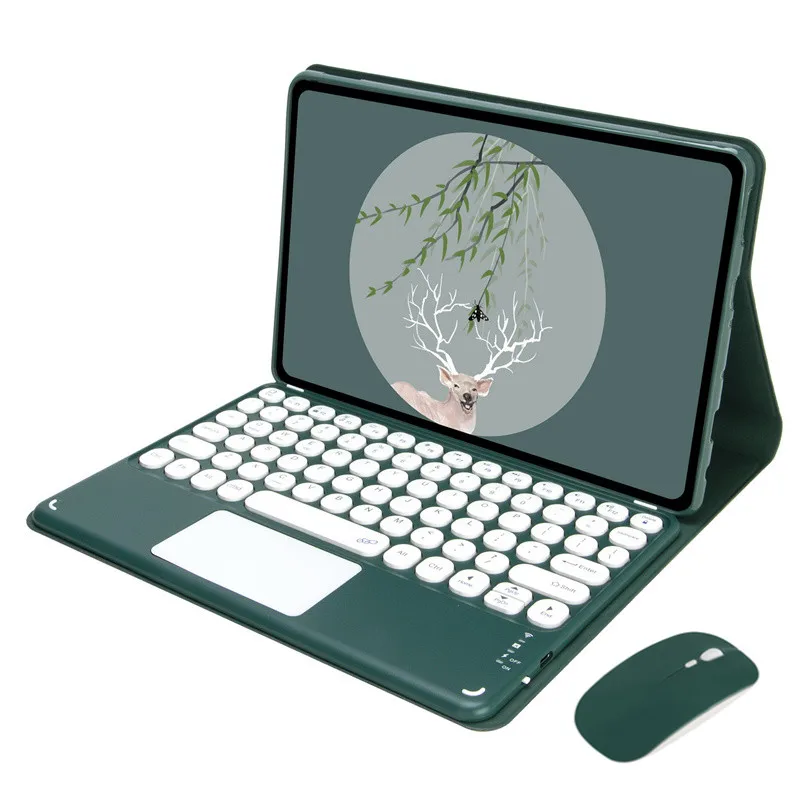
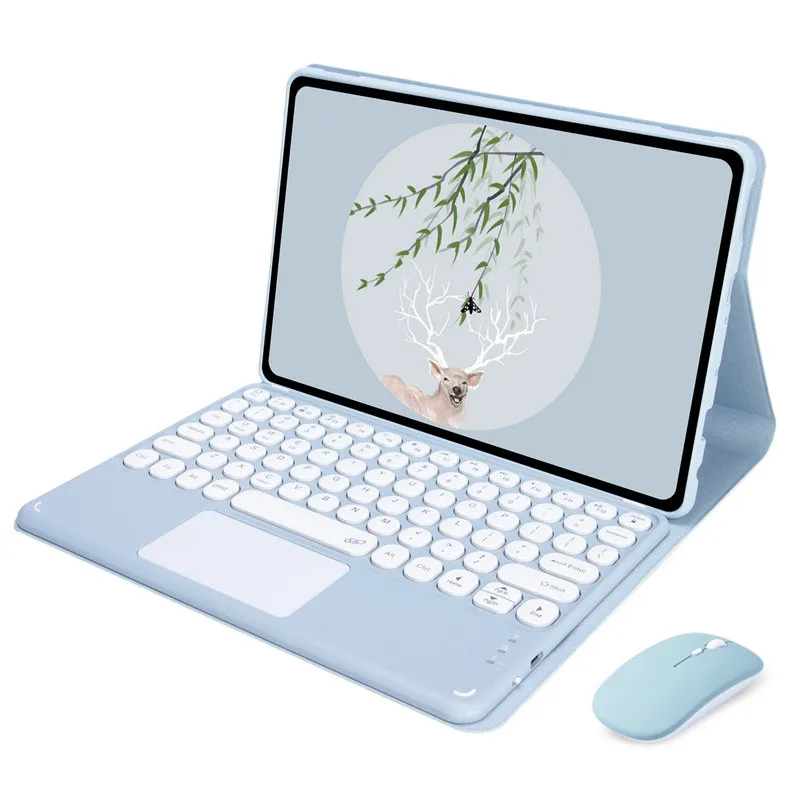
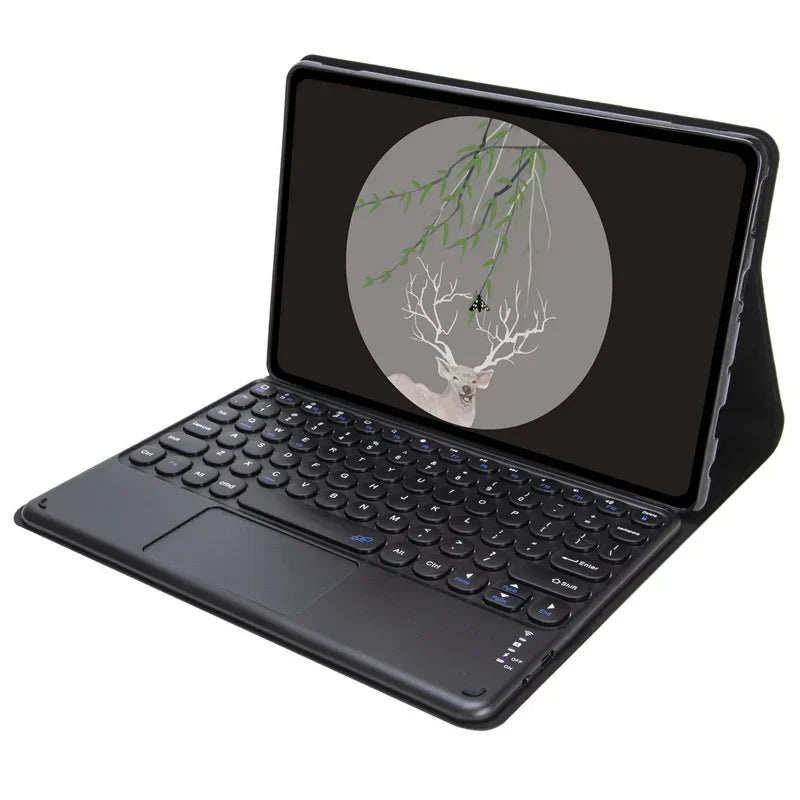
Touchpad Keyboard Case for Xiaoxin Pad Pro 12 7 2025 Tablet Funda Cover for Lenovo Xiaoxin Pad Pro 2025 12.7 inch Keyboard Case
Touchpad Keyboard Case for Xiaoxin Pad Pro 12 7 2025 Tablet Funda Cover for Lenovo Xiaoxin Pad Pro 2025 12.7 inch Keyboard Case
Regular price
$127.99 USD
Regular price
$80.20 USD
Sale price
$127.99 USD
Unit price
per
Couldn't load pickup availability
SPECIFICATIONS
Application Laptop Size: 12.7
Battery Included: Yes
Brand Name: senorita
Choice: yes
Compatible Brand: For Lenovo
Feature: Shockproof,Drop resistance,Anti-Dust,Soft
Feature 1: Keyboard Case for Xiaoxin Pad Pro 12 7 2025
Feature 2: for Lenovo Xiaoxin Pad Pro 2025 12.7 inch Keyboard Case
High-concerned chemical: None
Language: Russian,Korean,Spanish, French, German, Italian, Japanese
Length: 12.7
Material: Leather
Method of Sales: Retail / Wholesales / Drop shipping
Model Number: Keyboard Case for Xiaoxin Pad Pro 12 7 2025
Origin: Mainland China
Package: No,OPP Bag
Pattern Type: Solid
Place of Origin: China
Style: Casual,Bluetooth-compatible Keyboard
Type: With Keyboard,Magnetic,Wireless
Width: 12.7
semi_Choice: yes
Features:
-Standard 3.0 Bluetooth-compatible Solution
-Battery : Rechargeable lithium battery
-Design for Xiaomi Poco Pad / Redmi Pad Pro 12.1 inch 2024
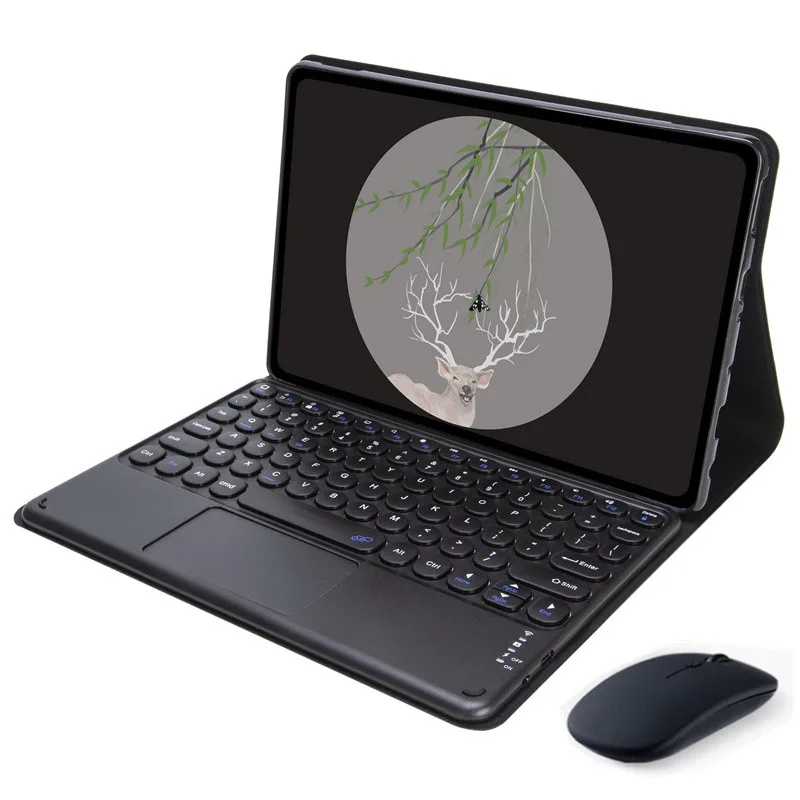
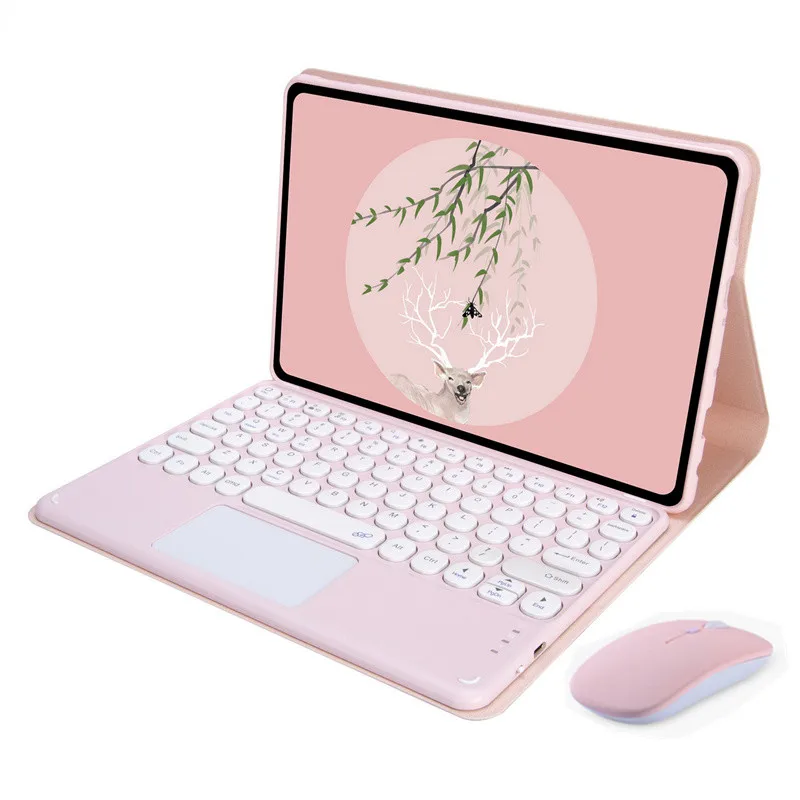
-Magnetically detachable keyboard
-Easily to carry and use.
Design for Lenovo Xiaoxin Pad Pro 12.7 2025 tb373fu tb375fc
Tablet on the product picture are NOT INCLUDED.
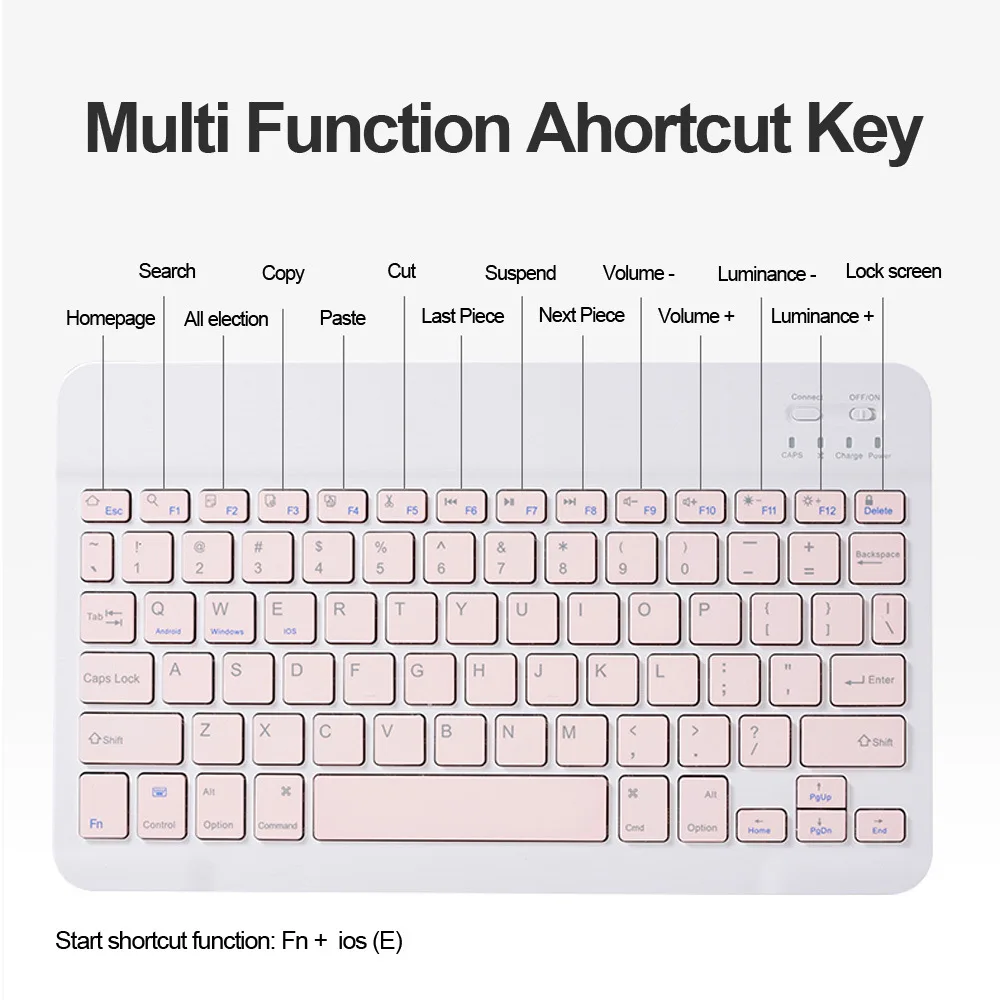
you can switch all of other language you need after setting language and keyboard on your tablet.
Please press ' Shift + Space' (for Andriod system) to switch language
-Keyboard connection method
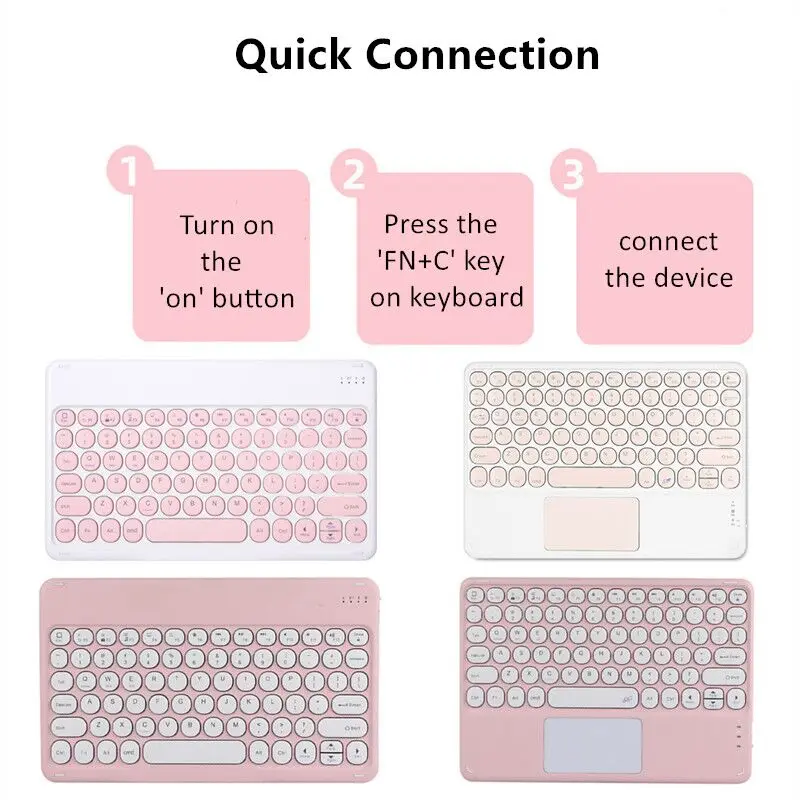
1: Turn on the "on" button in the keyboard
2: Press the "FN+C" key on the keyboard
3: Turn on the Bluetooth-compatible device on tablet you need to connect to
4: Find "it" in "my device" and click "connected"
-Standard 3.0 Bluetooth-compatible Solution
-Battery : Rechargeable lithium battery
-Design for Xiaomi Poco Pad / Redmi Pad Pro 12.1 inch 2024
-Magnetically detachable keyboard
-Easily to carry and use.
Design for Lenovo Xiaoxin Pad Pro 12.7 2025 tb373fu tb375fc
Tablet on the product picture are NOT INCLUDED.
you can switch all of other language you need after setting language and keyboard on your tablet.
Please press ' Shift + Space' (for Andriod system) to switch language
-Keyboard connection method
1: Turn on the "on" button in the keyboard
2: Press the "FN+C" key on the keyboard
3: Turn on the Bluetooth-compatible device on tablet you need to connect to
4: Find "it" in "my device" and click "connected"